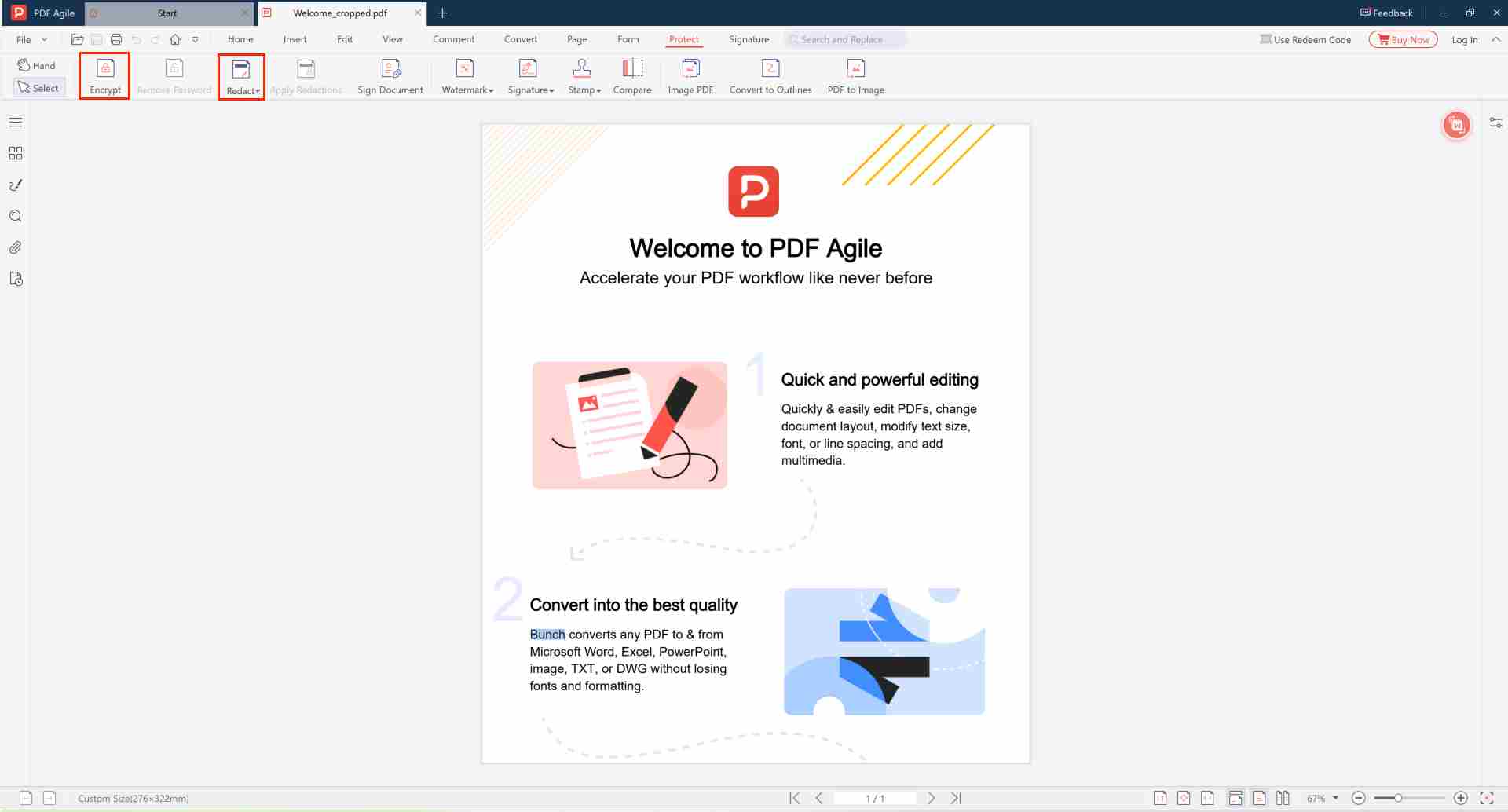
What "Convert to Curves" Actually Means
In a normal PDF, text is live: it's stored as characters tied to a specific font. "Converting to curves" (also called outlines or paths) redraws each letter as a vector shape — a set of lines and curves — and discards the underlying character data.
The page looks exactly the same. But the text is no longer text: it's artwork. That single change has big implications for protecting your intellectual property.
Why Curves Protect Your IP
1. It stops content extraction
Once text is curves, no one can select it, copy it, or run text-extraction tools to scrape your wording. Your copy, pricing, and proprietary phrasing can be seen but not lifted.
2. It protects your fonts
Sending an editable PDF can expose or even embed licensed fonts that others may reuse. Curves contain no font data — just shapes — so your typography can't be harvested.
3. It prevents tampering with the source
Designers and brands worry about recipients editing text in a logo, contract, or layout. As curves, the text can't be retyped or altered without obvious manual redrawing — preserving the integrity of your original.
4. It guarantees visual fidelity
A bonus: because the letters are now shapes, the document renders identically everywhere, even on systems missing your fonts. No substitution, no reflow.
When to Convert to Curves
- Logos & brand assets shared with vendors or printers
- Design proofs sent to clients for review
- Final artwork going to a print shop
- Confidential layouts where wording must not be copied or edited
Why PDF Agile for IP Protection via Curves?
| Feature | PDF Agile | Adobe Acrobat | Online Tools |
|---|---|---|---|
| Full Text-to-Curves Conversion | ✔ | ✔ | ✘ Limited |
| 100% Offline Processing | ✔ Local | ✔ | ✘ Uploaded to Server |
| Batch Conversion | ✔ | ✔ | ✘ Not Available |
| No Subscription Required | ✔ | ✘ Paid Subscription | ✔ |
| Encryption + Curves Combo | ✔ Supported | ✔ | ✘ Not Available |
Curves vs. Encryption
These solve different problems and work well together. Converting to curves protects the content and design from extraction; encryption protects who can open the file. For a document you want truly secured, convert text to curves, then encrypt it and restrict copying and printing.
Protect Your Designs & Wording from Being Lifted
Flatten text to curves and secure the file offline — no upload.
⬇️ Download PDF AgileFrequently Asked Questions
🎨 Does it affect print quality?
No. Curves render identically to text at any resolution. The visual output looks exactly the same — only the underlying data structure changes.
📦 Will it increase file size?
Converting to curves may increase file size by 10-30%, as each letter is stored as individual vector path data. Evaluate whether this is acceptable for your document.
🔒 Is it fully offline?
Yes. All conversion operations run locally on your device. Your files never leave your computer during the process.